Find Facebook UID
How to Get an FB UID: Find Facebook UIDs Free, in Bulk
Facebook User ID or Facebook UID is the unique string of digits assigned to every user on this social network. A UID never changes and can be used to identify one specific user on Facebook. Below are the 2 most effective ways to find a Facebook UID today:
Method 1: Get a Facebook UID with Fbnumber, Free
Fbnumber.com is a fast and effective tool for looking up a user's UID, letting you find the exact Facebook UID from nothing but an FB link. Here's how to get a Facebook UID:
Step-by-step: how to get an FB UID with the Fbnumber tool
Step 1: Copy the link of the Facebook page whose UID you want.
Step 2: Go to https://fbnumber.com
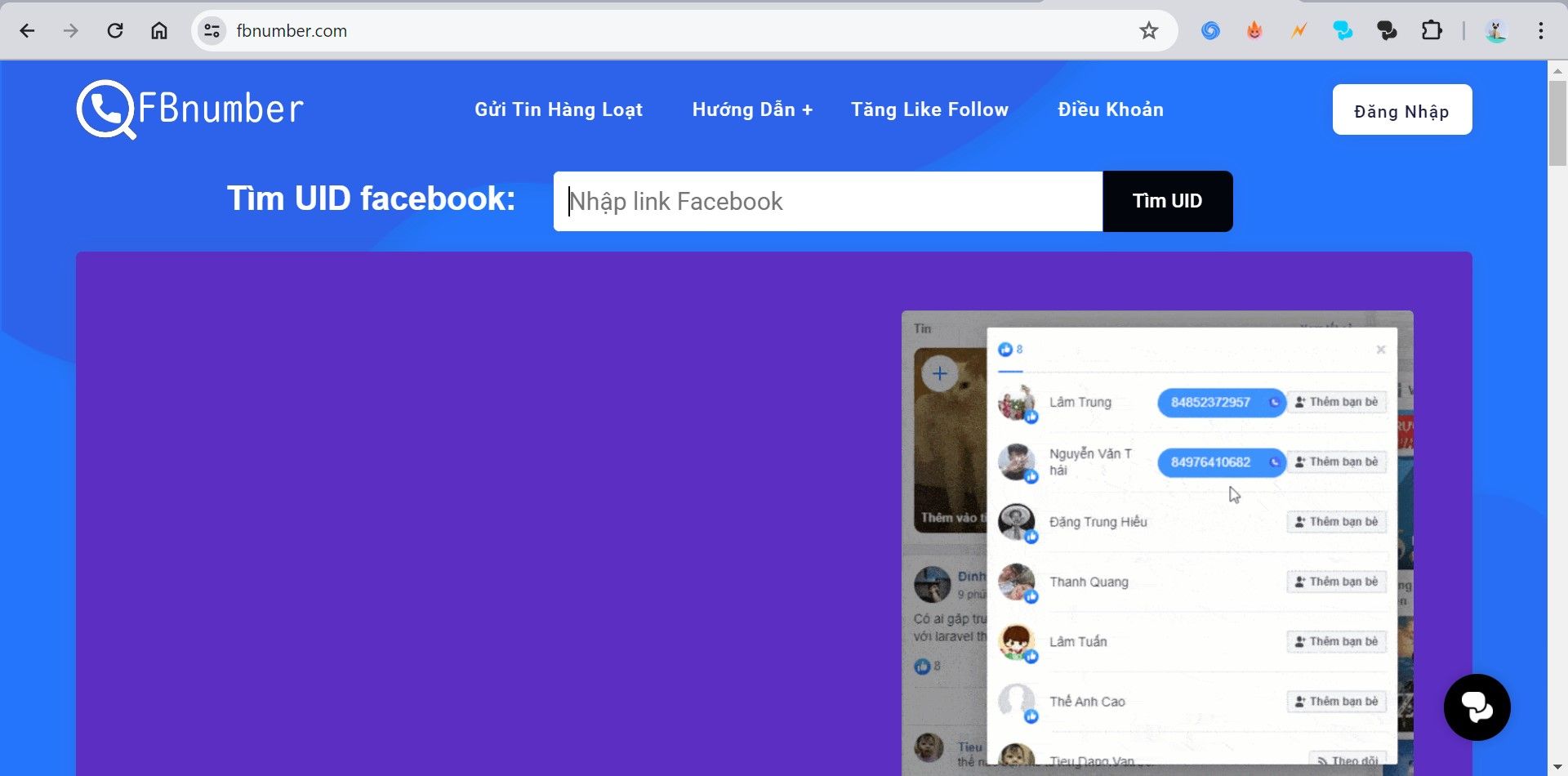
The FBnumber homepage
Step 3: On Fbnumber, paste the FB link you just copied into the search box > click the "Find UID" button.
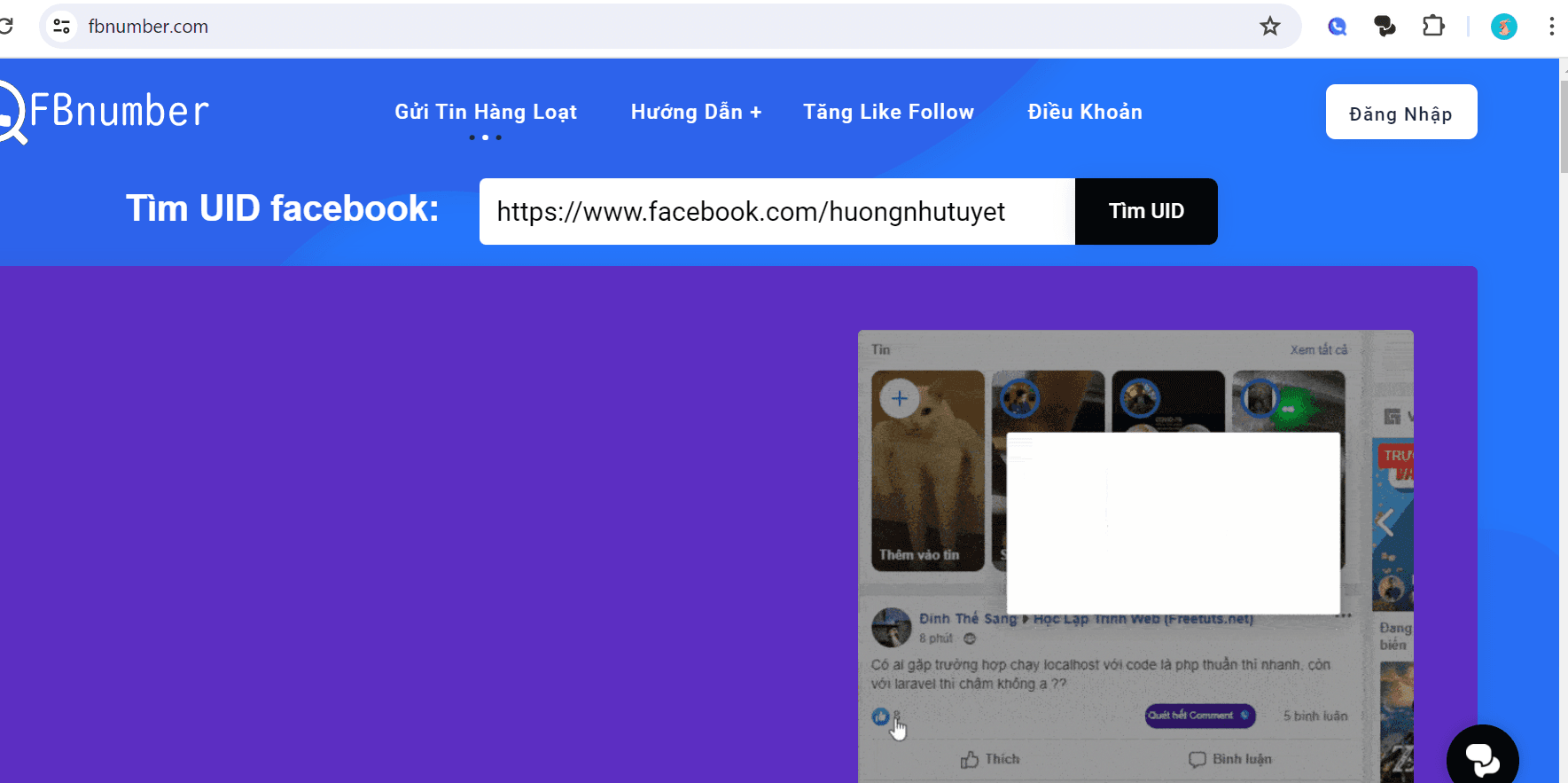
Paste the Facebook link you copied into the search box on FBnumber.com and click Find UID.
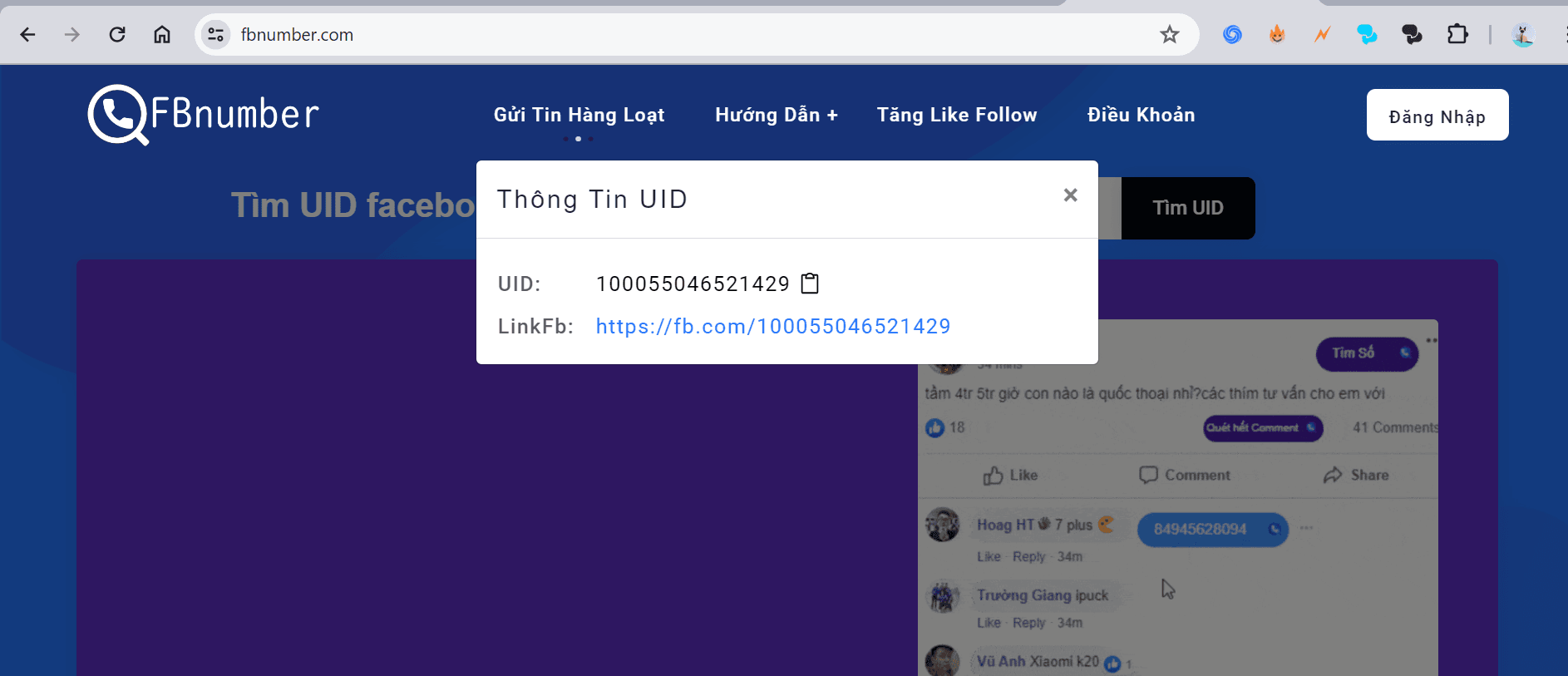
That person's personal Facebook UID will be displayed as shown in the image — just click the Copy icon to use it.
A few notes on using the Fbnumber UID lookup tool:
- Simple to use: Just copy the profile URL of the account whose UID you need >> paste it into Fbnumber and you'll have the UID.
- Free, with no limits: There's no cap on how many UIDs you can look up per day.
- Fbnumber.com's UID lookup is completely free. The site is open to everyone who needs to find a UID.
- Fbnumber.com is a safe UID tool — collecting this information has no effect on anyone on Facebook.
Method 2: Get an FB UID the Traditional Way
Every Facebook Account Is Assigned Its Own UID By Facebook. These UIDs Identify The Account And Let Facebook Easily Manage That Account Holder's Information.
So whenever you open a profile, that page's link contains the string of digits identifying the account. Some users change the handle in this link to make themselves easier to find — but the account's UID digits never change.
For example: to get an FB UID from https://www.facebook.com/profile.php?id=100055046521429 => the number 100055046521429 is that account's Facebook UID.
Or, for an account that has switched to a custom handle, you can click the profile picture. The trailing digits will be the UID you're looking for.

Frequently Asked Questions About Facebook UIDs
1. What Is a Facebook UID?
A Facebook UID (short for User ID) is a string of digits that Facebook uses to identify and distinguish every user account on the Facebook platform. Each account is therefore assigned its own distinct UID.
On top of that, the owner can change the handle in their profile link to make it easier to find, but that Facebook account's UID will not change.
2. Why Did Facebook Shut Down Graph Search?
Facebook shut down Graph Search in 2019 for these main reasons:
- First, user security and privacy concerns.
- Second, Graph Search was easy to abuse for collecting personal information for the wrong purposes, enabling harassment and stalking.
- Third, Facebook wanted to focus on improving its other search features to deliver a better user experience.
- Finally, the feature wasn't used by many people, so Facebook decided to retire it and focus on other, more important areas.
3. Can I Look Up My Own Personal UID?
You can absolutely apply the UID methods described above to look up the UID of your own personal Facebook account.
Final Thoughts
That's the detailed guide to getting an FB UID quickly, simply and accurately, updated for 2024. Hopefully this article helps you find the Facebook UID you're after — good luck.